
Can I Run ShapeWorks?
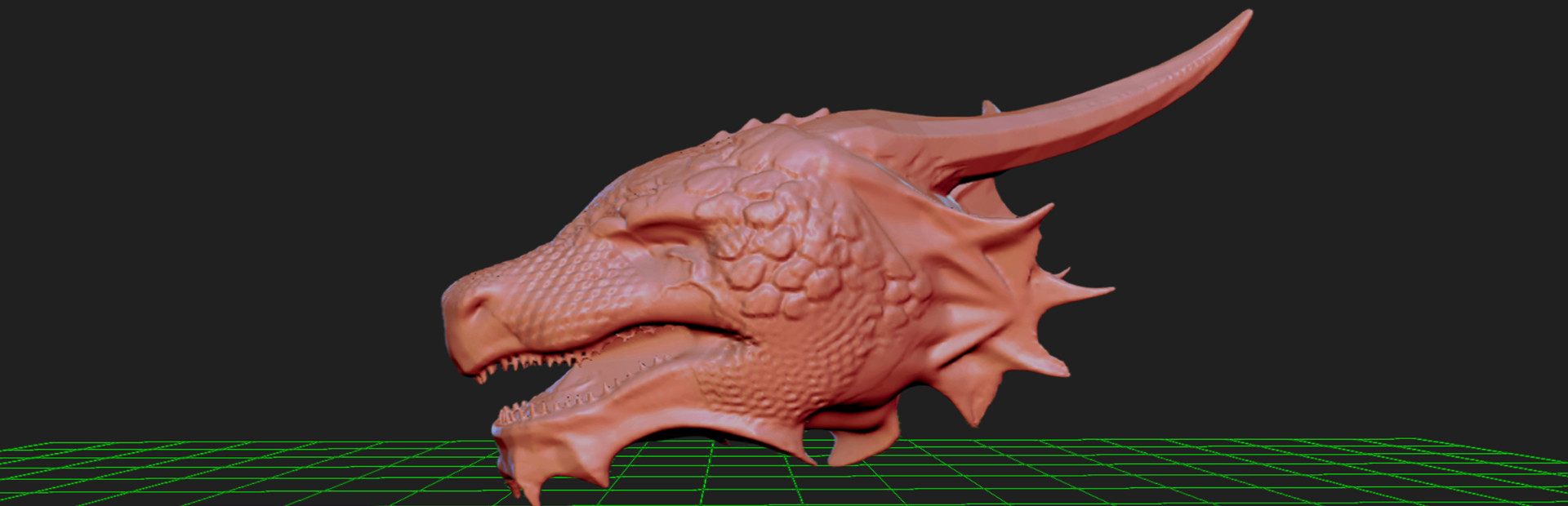
ShapeWorks is an innovative and extremely beginner friendly program for effortless 3D digital sculpting. Its fluid interface enables artists to quickly give shape to there imagination. No need to go...
Can your PC run it? →System requirements
Minimum requirements
| CPU | 64bit Intel compatible Dual Core CPU |
|---|---|
| GPU | Nvidea GTX 900 series Graphic Card or above |
| Storage | 3 GB HDD |
Recommended requirements
| CPU | 64bit Intel compatible Dual Core CPU |
|---|---|
| GPU | Nvidea GTX 900 series Graphic Card or above |
| Storage | 3 GB HDD |
Single source, verify with the publisher source
Scores are deterministic, computed by fixed rules and benchmark tables, not written by an AI. How we score. Maintained by Farhad Ali. Spotted a wrong specification? Tell us.
Can you run ShapeWorks?
ShapeWorks targets a mainstream modern PC: Nvidea GTX 900 series Graphic Card or above for the minimum, stepping up to Nvidea GTX 900 series Graphic Card or above for the recommended experience. No single part dominates the requirements, so a balanced mid-range build clears it.
Bottleneck: Storage
Find more you can run
See everything your PC can run →Frequently asked questions
Can my PC run ShapeWorks?
Upload your DxDiag file to Idxdiag's free checker and get a component by component compatibility verdict for ShapeWorks in seconds. No install required.
What are the minimum system requirements for ShapeWorks?
The minimum requirements are CPU: 64bit Intel compatible Dual Core CPU; GPU: Nvidea GTX 900 series Graphic Card or above.
How much storage does ShapeWorks need?
ShapeWorks needs about 3 GB of HDD storage.
What is the bottleneck for ShapeWorks?
On a typical modern PC (Ryzen 5 5600, RTX 3060, 16 GB RAM), the tightest component for ShapeWorks is the Storage.